Now with this responsive web design, you can easily change the text size to fit your eyesight needs.
Shortcut If you browse on Companies Registry (CR) Homepage on a desktop computer, a modern web browser will allow you to hold down the Ctrl key (Command key on a Macintosh) and press the + or - key to increase or decrease the text size, and 0 to go back to the default size.
On a smartphone or a tablet, you can simply pinch open on the screen to zoom in (i.e. to enlarge) and pinch close to zoom out (i.e. to reduce) everything.
Menu You may also change the text size from the menu. Choose from the following web browsers for specific instructions:
Chrome On the Page menu, select Zoom, then Larger.
Firefox On the View menu, select Zoom, then Zoom In. Or you may click on the Menu icon and select + or - to make the text size bigger or smaller.
Internet Explorer / Edge On the View menu, select Text Size, then Largest. Or you may click on the IE Settings icon, select Zoom, then choose a percentage or click Zoom In.
Opera On the View menu, select Zoom. Then choose a percentage.
Safari On the View menu, select Make Text Bigger.
Endorsement Disclaimer CR does not endorse specific web browsers or recommend one browser over another. While some popular browsers are included here, mention of a specific browser does not imply any endorsement or recommendation.
Best Service Award 2025-26
The detail of this page
Best Service Award 2025-26
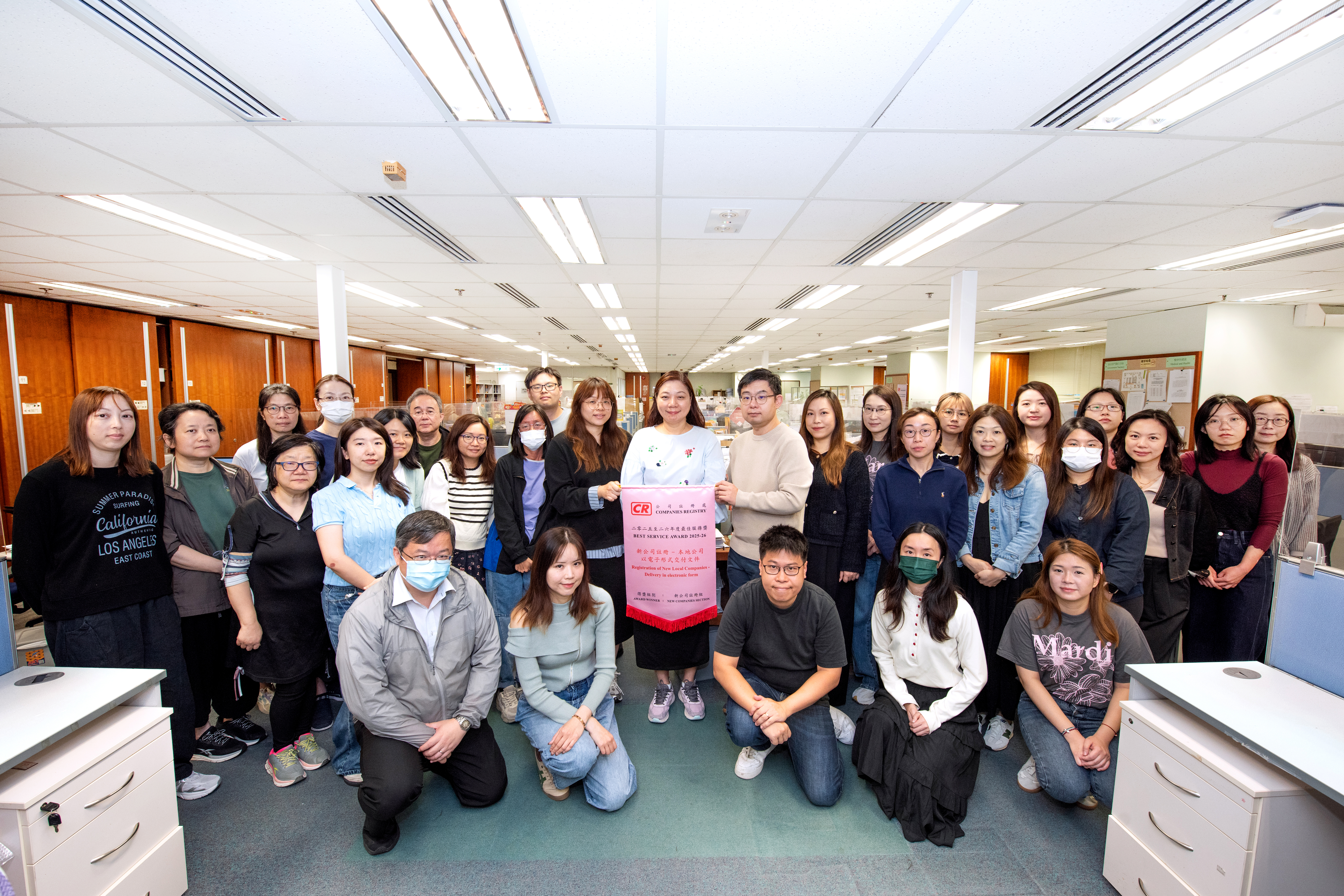
The Best Service Award is organised to assess the level of customer satisfaction with our services and reward the team providing the best service to customers. The Award for 2025-26 was given to the service on “Registration of new companies - local companies - delivery in electronic form”, which obtained the highest satisfaction score in the Customer Service Survey 2025. The Award was presented on 20 March 2026 to the New Companies Section in recognition of its efforts in providing the winning service.
Best Service Award
We are committed to ensuring that our website conforms to the World Wide Web Consortium (W3C) Web Content Accessibility Guidelines (WCAG) 2.0 Level AA requirements to the maximum extent possible. However, as our website contains considerable multi-media contents, it is not possible to incorporate all Level AA accessibility requirements in all of them. Nonetheless, the multi-media contents are so located as not to affect the accessibility of significant contents in our website.
This webpage contains multi-media contents and may not fully comply with all Level AA accessibility requirements. If you need any information or assistance, please email us at crenq@cr.gov.hk or call our Customer Services and Management Division at (852) 2867 1541.